
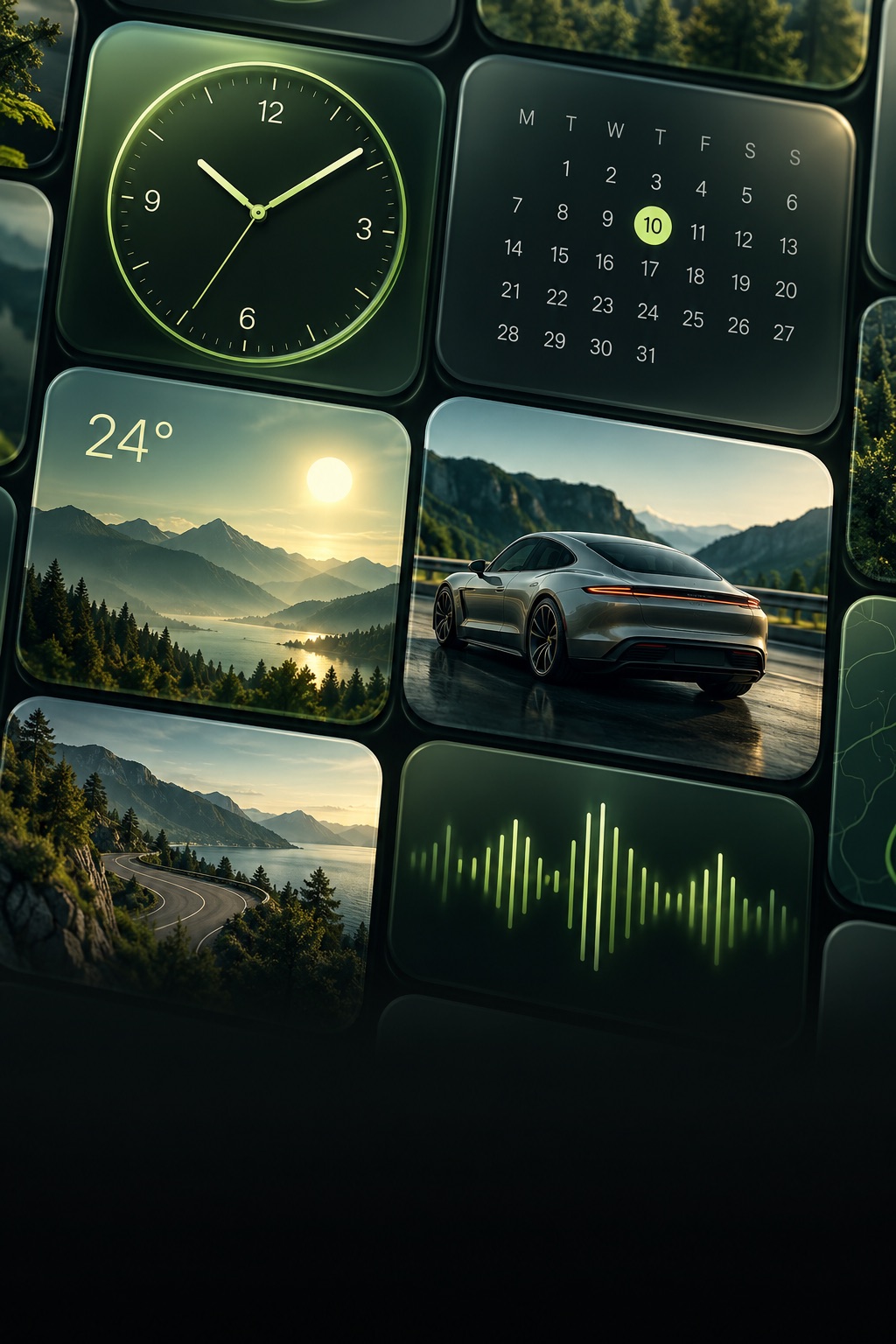
 01 /
Your glance. Your style.
Make room for your photos, clocks, calendars and weather. Create a widget that feels like yours.
YOUR DASHBOARD, A LITTLE MORE YOU
Personal widgets. A welcome that sounds like you. A better way to spend a parked moment.
Made for iPhone and compatible CarPlay setups.
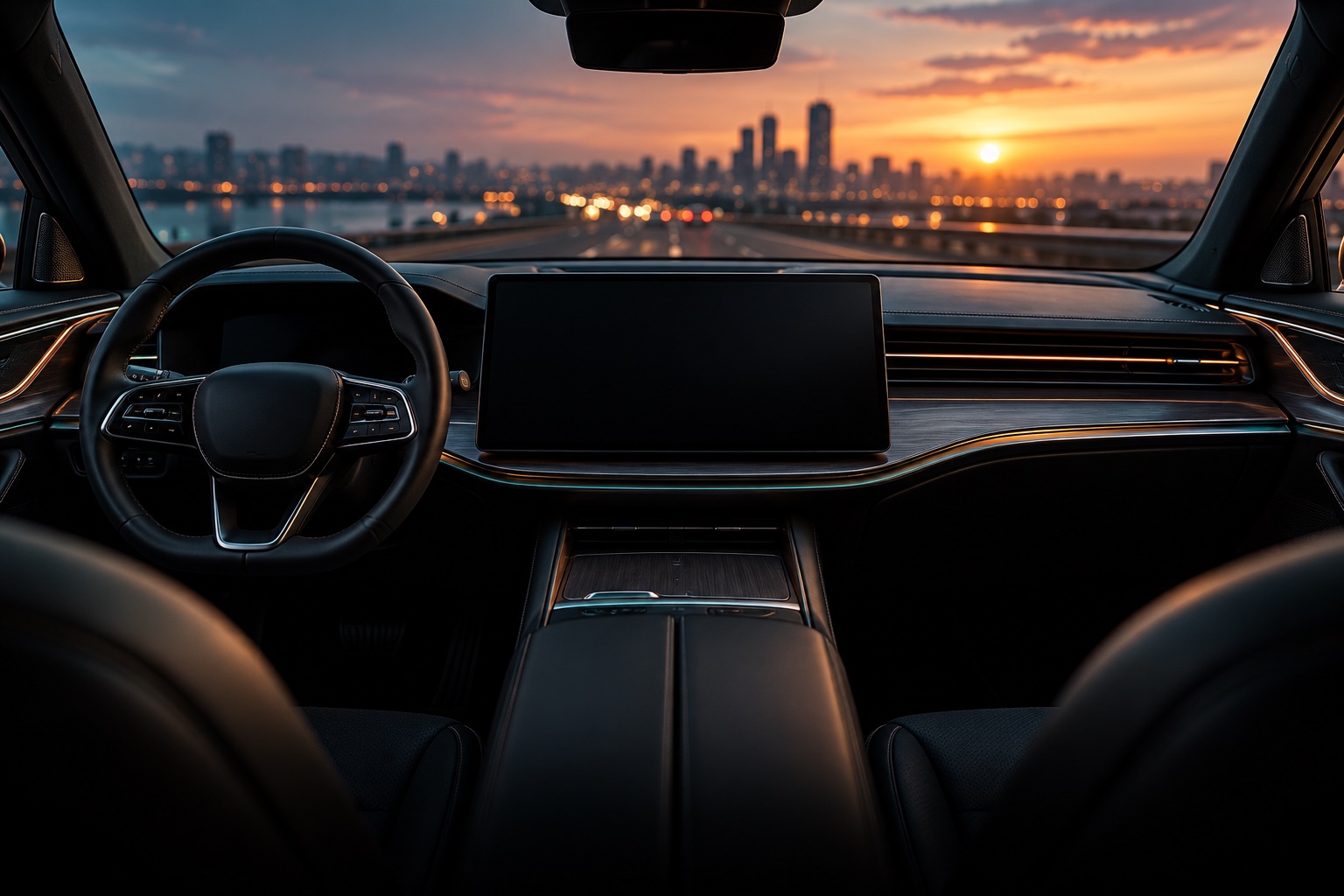
SMALL DETAILS. YOUR DAILY DRIVE.
A few thoughtful changes.
A whole different feeling.
01 /Make room for your photos, clocks, calendars and weather. Create a widget that feels like yours.
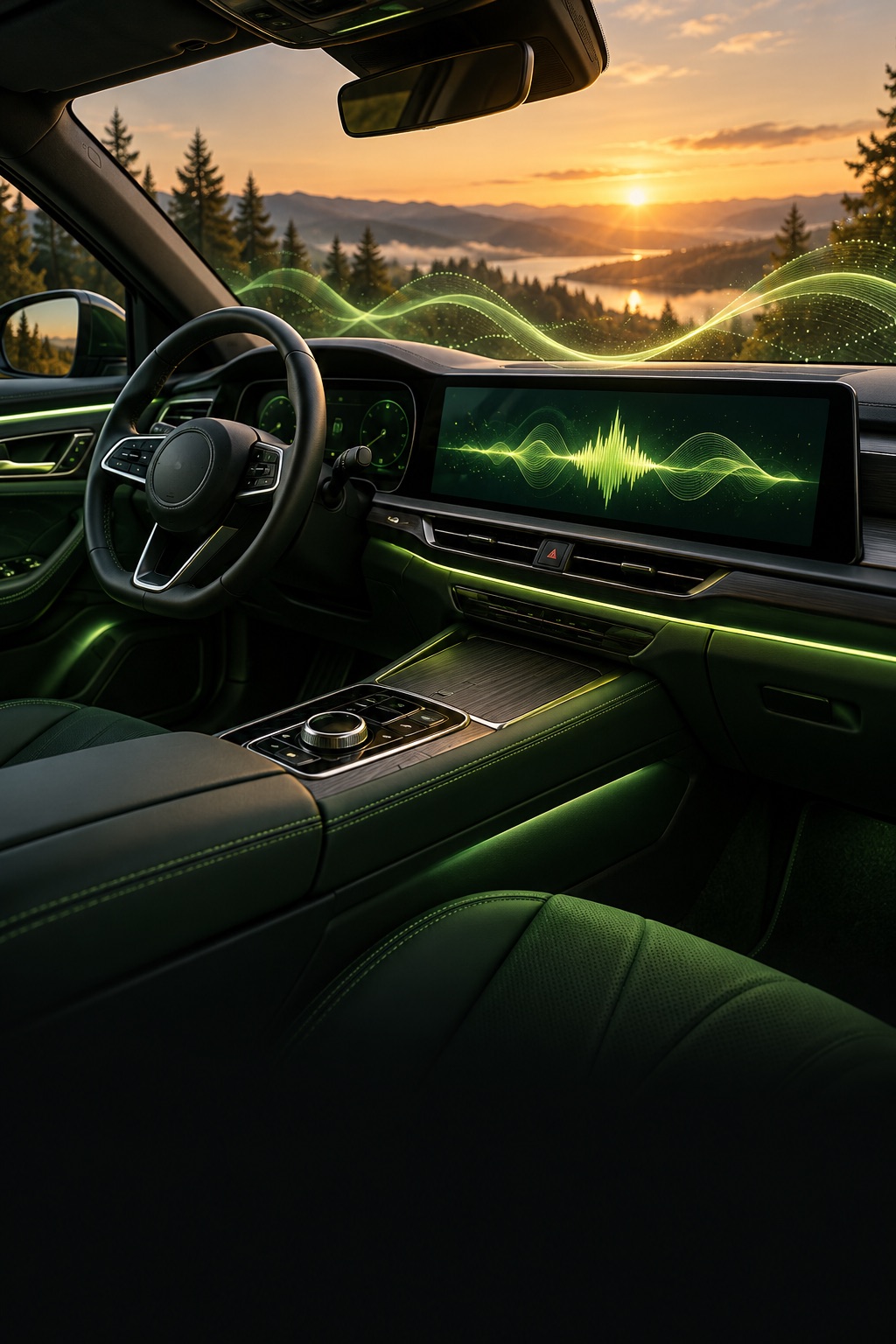 02 /
Choose a welcome sound or bring your own audio. Connect it to a personal automation in Apple Shortcuts.
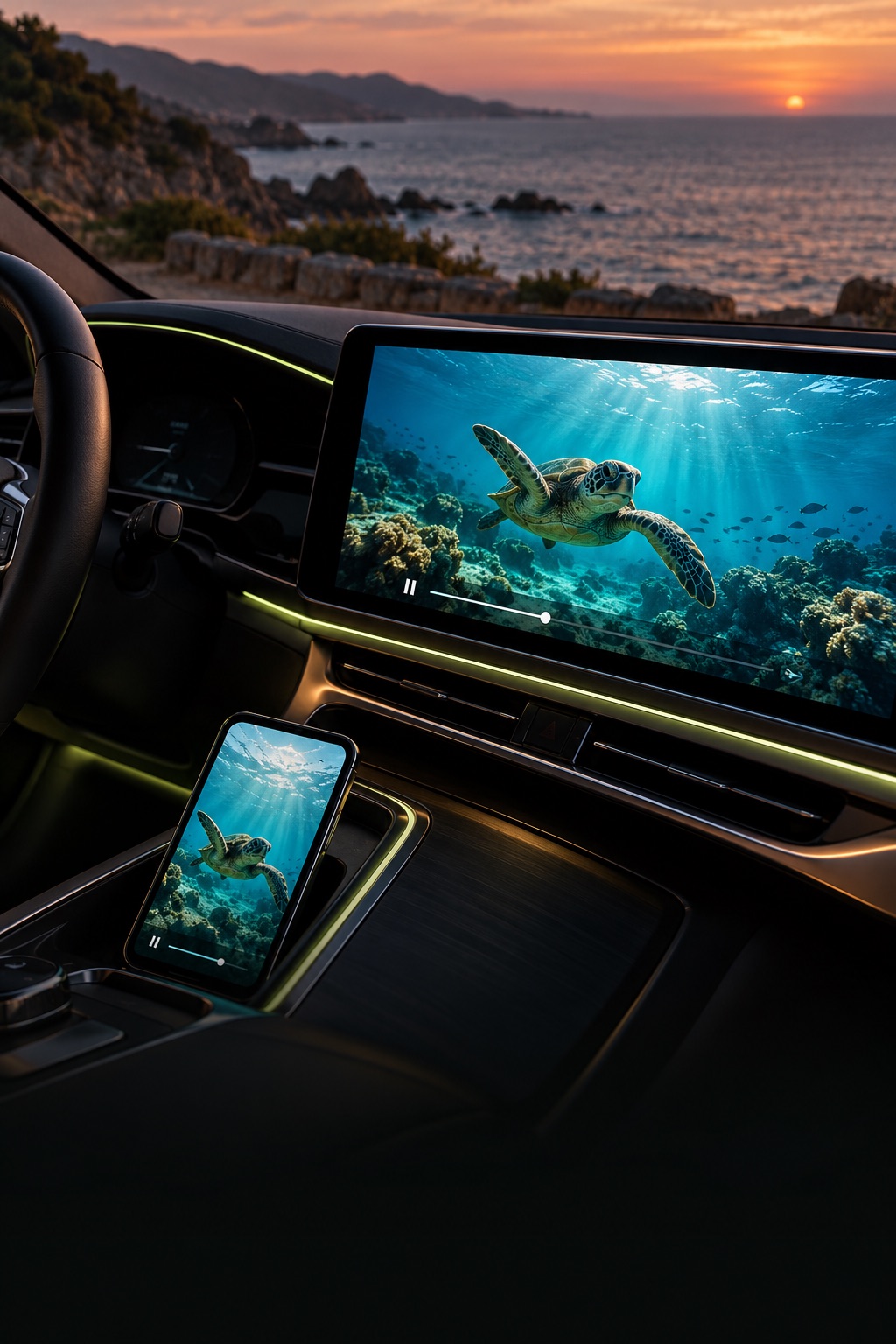 03 /
Add your IPTV playlist and watch with AirPlay on a compatible display. Save the entertainment for when you’re parked.
KNOW YOUR JOURNEY
Start a trip to see GPS speed and record your journey’s distance and duration. Return to your history when the drive is done.
GPS speed is an estimate, not a certified vehicle instrument. Start and stop trips while safely parked.
Illustrative preview · No active trip
SET IT UP WHILE PARKED
Explore widget designs, choose your photos and make the details yours.
Save with Premium. Follow the app’s guide to add widgets on a compatible CarPlay system.
Choose a sound and connect it to Shortcuts. Save video for supported displays while parked.
CarPlay widgets require iOS 26 or later and a compatible vehicle. Features and layouts depend on your iPhone, system version and display. Studio does not add CarPlay to unsupported cars.
You choose a sound in Studio, then create a personal automation in Apple Shortcuts. The app includes setup instructions. Playback depends on system permissions, lock state and audio routing.
No. Your car must support AirPlay video while parked. Standard CarPlay alone is not enough. Bring your own authorized M3U/M3U8 playlist; channels are not included.
Saving widgets, setting sounds, starting a trip and playing TV require Premium. You can explore designs, preview bundled sounds and add a TV playlist before subscribing. Plans and prices appear in the app before purchase.
Your widget configurations, selected photos, custom audio, playlists and trip history are stored on your device. Weather requests use location information with an external forecast service. Separate analytics and subscription services process identifiers and usage data; see the Privacy Policy.
THE STUDIO JOURNAL
Choose a design, save your widget and add it to a compatible CarPlay display.
Read the guideChoose a sound, then connect it to a CarPlay automation in Apple Shortcuts.
Read the guideWhat you need for IPTV and AirPlay video on a compatible parked-car display.
Read the guideYOUR DASHBOARD. YOUR PERSONALITY.
Personalize the details with CarPlay Widgets Studio.
Download on theApp StoreFor iPhone · Premium features require a subscription.Widgets require iOS 26+ and a compatible vehicle. Video requires a supported parked-car display. Apple and vehicle brands are not affiliated with this app.