
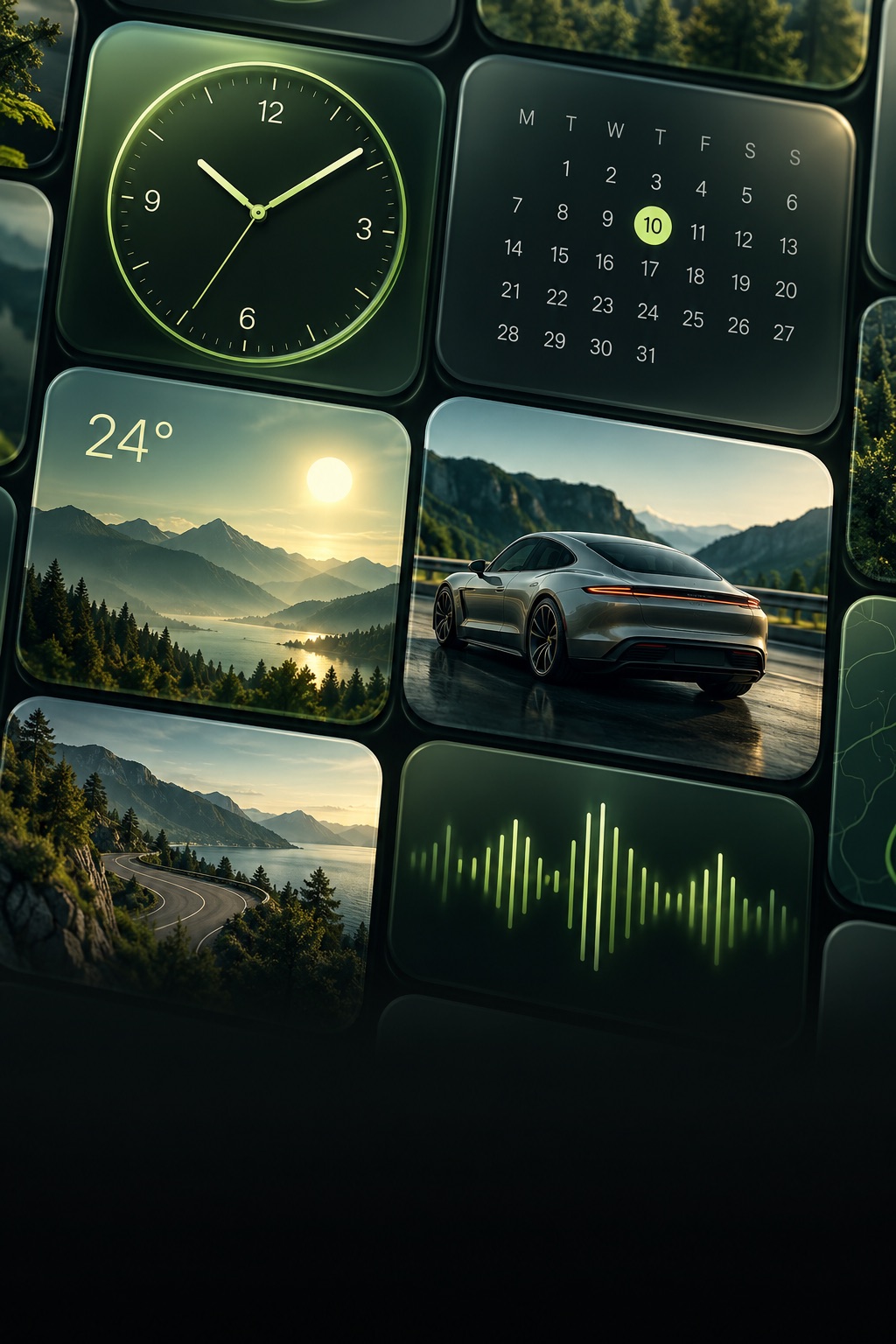
Start with one useful glance
A favorite photo, a clear clock, or the forecast: choose what you want to see before browsing designs. Studio lets you customize a widget on your iPhone before saving it to My Widgets. Saving requires Premium.
Personalize before you save
Pick a template, adjust the supported colors and text, and choose photos where available. Treat the app preview as a design preview; the system and your vehicle determine the final presentation and refresh schedule.
Add it to your compatible car
Use the app’s setup guide and the widget controls offered by your version of iOS and vehicle. On supported systems, look under Settings → General → CarPlay → your car → Widgets. Select Studio and your saved configuration. Widget support requires iOS 26 or later and compatible hardware.
Keep setup for the parking spot
Configure and test your layout while parked. Studio does not replace the CarPlay interface, add CarPlay to unsupported cars or control the vehicle.